Note
Access to this page requires authorization. You can try signing in or changing directories.
Access to this page requires authorization. You can try changing directories.
In Microsoft Fabric, a data preview gives you a snapshot of the event data in a source, destination, or the Eventstream itself. After you add sources and destinations, preview the data in each node to understand how it flows through the Eventstream.
Note
The sections Preview a source, Preview a destination, and Preview an Eventstream describe the existing data-preview experience. If you opted in to schema-aware Eventstreams (Preview), see Preview data in a schema-aware Eventstream (Preview).
Prerequisites
- Get access to a workspace with Viewer or higher permissions where your Eventstream item is located.
- For an eventhouse or lakehouse destination, get access to its workspace with Viewer or higher permissions.
Preview a source
To preview the source data of an event hub or sample data in the eventstream:
On the main editor canvas, select one of the source nodes in your eventstream.
On the lower pane, select the Data preview tab.
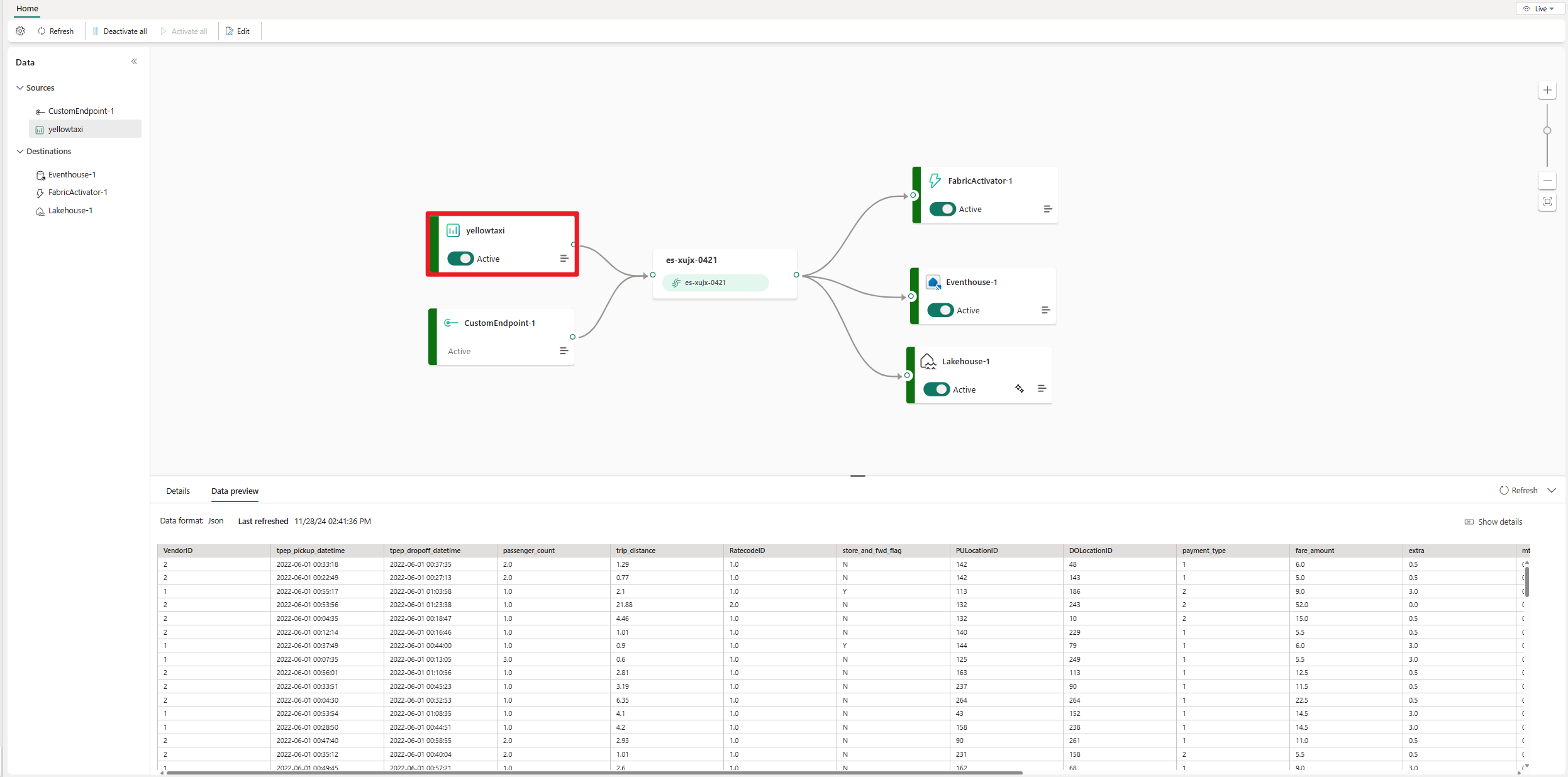
The tab displays source data if the source contains data. For example, the following image shows a preview of sample Yellow Taxi data.
Preview a destination
To preview destination data from an eventhouse, lakehouse, derived stream, or Fabric activator:
On the main editor canvas, select one of the destination nodes in your eventstream.
On the lower pane, select the Data preview tab.
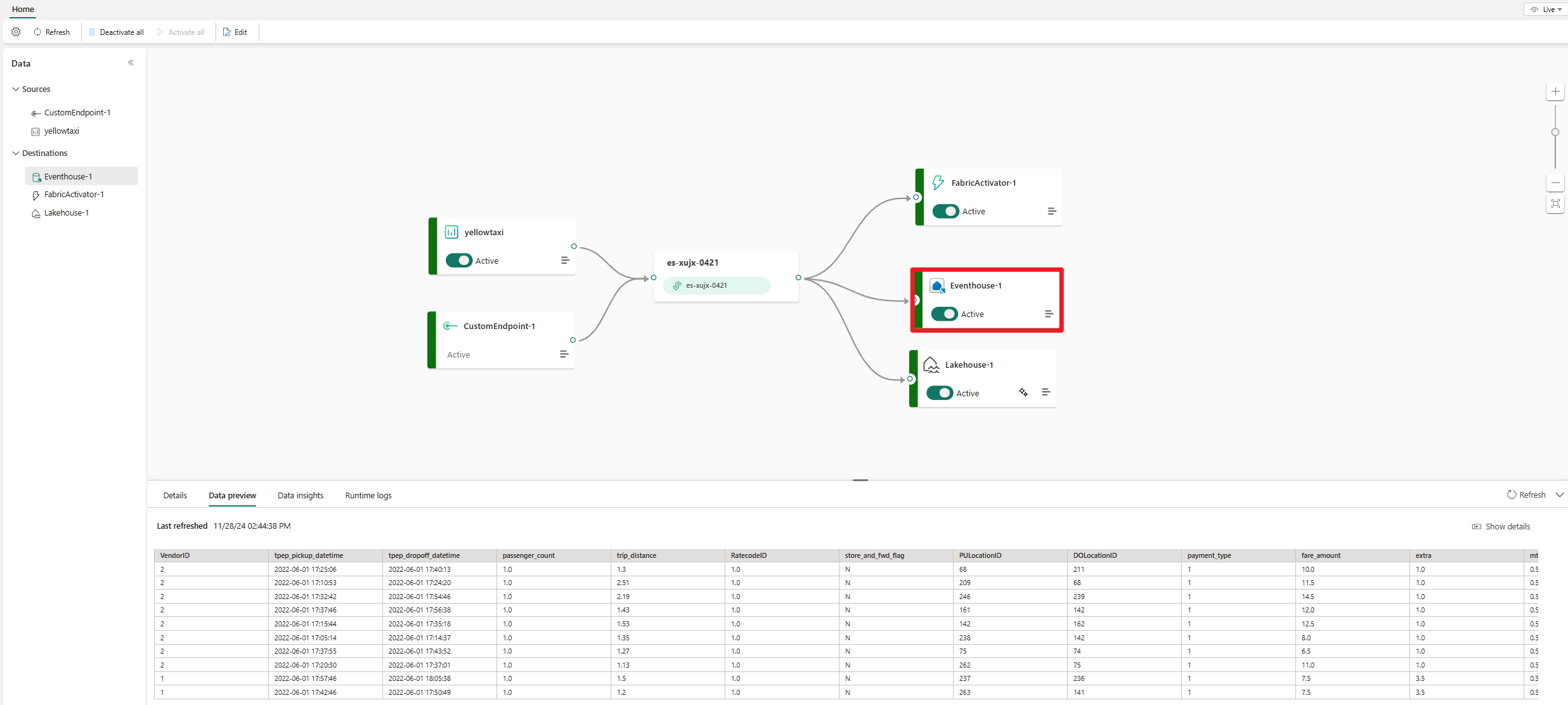
The tab displays destination data if the destination contains data. For example, the following image shows the preview of an eventhouse.
Preview an eventstream
Preview the Eventstream to see how different data sources are routed:
On the main editor canvas, select the eventstream node.
On the lower pane, select the Data preview tab.
Eventstream data appears on the tab if data is inside the eventstream.
To preview data in a different format, select it on the Data format dropdown menu.

To preview the most current event data, select Refresh.


Preview a schema-aware Eventstream
Schema-aware Eventstreams provide a redesigned data preview for inspecting row details, event headers and metadata, deeply nested JSON, and different event types. You can also download selected rows as JSON.
For step-by-step instructions and limits, see Preview data in a schema-aware Eventstream (Preview).