延迟从配置的范围内的随机数毫秒的响应。 支持 HTTP 请求和 STDIO 通信。
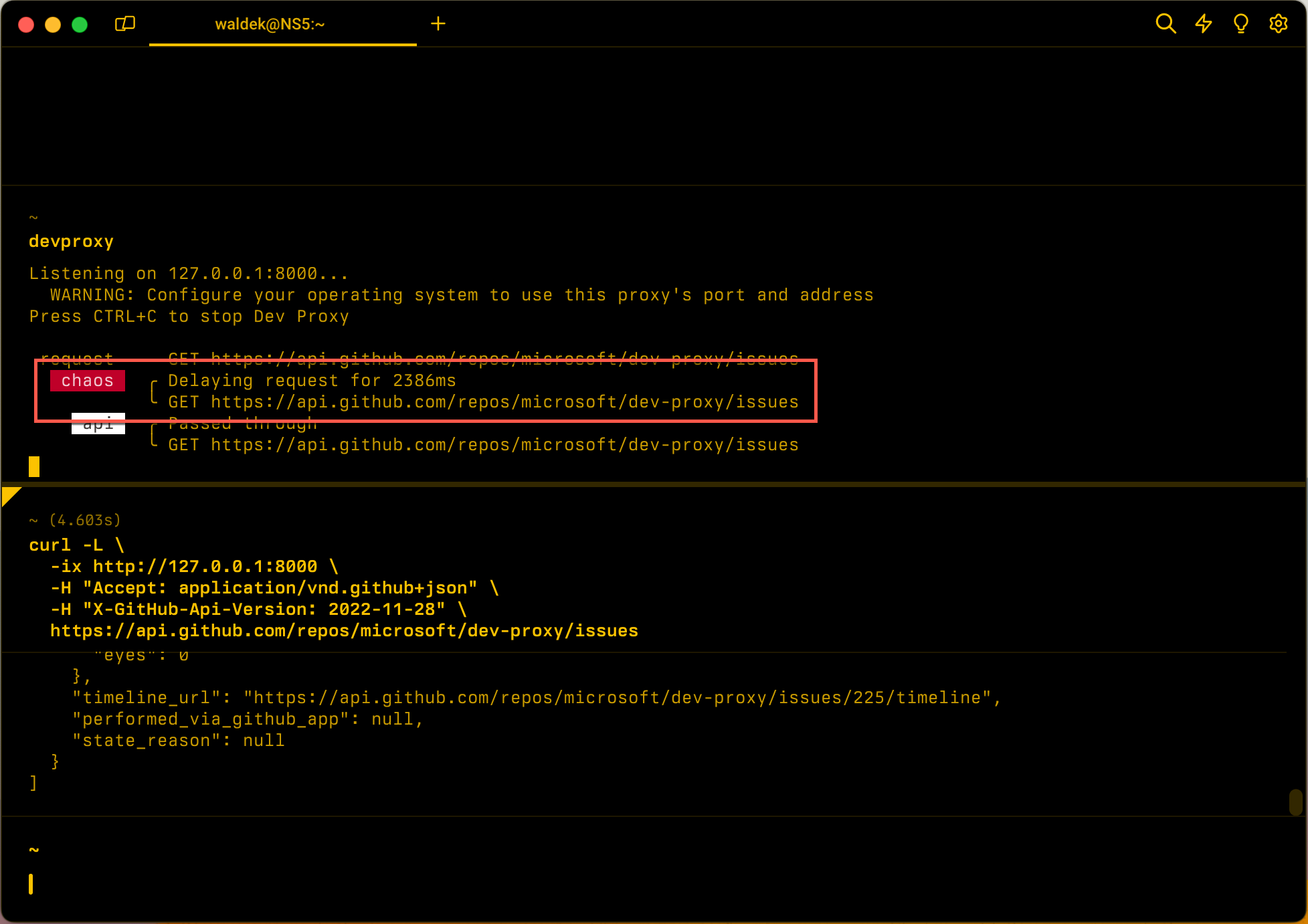
配置示例
{
  "$schema": "https://raw.githubusercontent.com/dotnet/dev-proxy/main/schemas/v4.0.0/rc.schema.json",
  "plugins": [
    {
      "name": "LatencyPlugin",
      "enabled": true,
      "pluginPath": "~appFolder/plugins/DevProxy.Plugins.dll",
      "configSection": "latencyPlugin"
    }
  ],
  "latencyPlugin": {
    "$schema": "https://raw.githubusercontent.com/dotnet/dev-proxy/main/schemas/v4.0.0/latencyplugin.schema.json",
    "minMs": 200,
    "maxMs": 10000
  }
}
配置属性
| 财产 | 描述 | 违约 |
|---|---|---|
minMs |
添加到请求的最小延迟量(以毫秒为单位)。 必须小于或等于 maxMs。 |
0 |
maxMs |
添加到请求的最大延迟量(以毫秒为单位)。 | 五千 |
命令行选项
没有
备注
开发代理在启动时验证插件的配置。 如果 minMs 大于 maxMs,则开发代理不会启动并显示错误,例如:
LatencyPlugin: minMs (500) must be less than or equal to maxMs (100).
若要添加固定延迟,请设置 minMs 并 maxMs 设置为相同的值。
STDIO 支持
使用LatencyPluginstdio命令时,插件会为 stdout 响应添加人为延迟。 模拟延迟对于测试应用程序如何处理慢模型上下文协议(MCP)服务器响应或其他基于 STDIO 的工具非常有用。
STDIO 的配置示例
{
  "$schema": "https://raw.githubusercontent.com/dotnet/dev-proxy/main/schemas/v4.0.0/rc.schema.json",
  "plugins": [
    {
      "name": "LatencyPlugin",
      "enabled": true,
      "pluginPath": "~appFolder/plugins/DevProxy.Plugins.dll",
      "configSection": "latencyPlugin"
    },
    {
      "name": "MockStdioResponsePlugin",
      "enabled": true,
      "pluginPath": "~appFolder/plugins/DevProxy.Plugins.dll",
      "configSection": "mockStdioResponsePlugin"
    }
  ],
  "latencyPlugin": {
    "$schema": "https://raw.githubusercontent.com/dotnet/dev-proxy/main/schemas/v4.0.0/latencyplugin.schema.json",
    "minMs": 100,
    "maxMs": 500
  },
  "mockStdioResponsePlugin": {
    "$schema": "https://raw.githubusercontent.com/dotnet/dev-proxy/main/schemas/v4.0.0/mockstdioresponseplugin.schema.json",
    "mocksFile": "stdio-mocks.json"
  }
}
然后运行:
devproxy stdio npx -y @modelcontextprotocol/server-filesystem
